



















DTF Troubleshooting: How to Identify and Fix DTF Print Defects Fast
Estimated reading time: 7 minutes
Key Takeaways
- DTF printing can produce high-quality results on various fabrics, but defects can quickly derail production.
- Most issues stem from printer settings, ink delivery, materials, or transfer processes.
- Common defects include banding, peeling, ghosting, and adhesion failures.
- A systematic troubleshooting approach can save both time and costly reprints.
- Proactive maintenance and the proper choice of consumables are crucial.
Table of Contents
Every minute your DTF printer sits idle costs you money, erodes deadlines, and frustrates customers waiting for their custom apparel. For an in-depth look at how to overcome these challenges across the DTF industry, explore the detailed guide.
Direct-to-film (DTF) printing is a digital process that prints designs onto special PET film, applies adhesive powder, cures the transfer, then heat-presses it onto fabric to create full-colour, durable transfers that work on cotton, polyester, and blends. Learn more about troubleshooting common issues during DTF transfer.
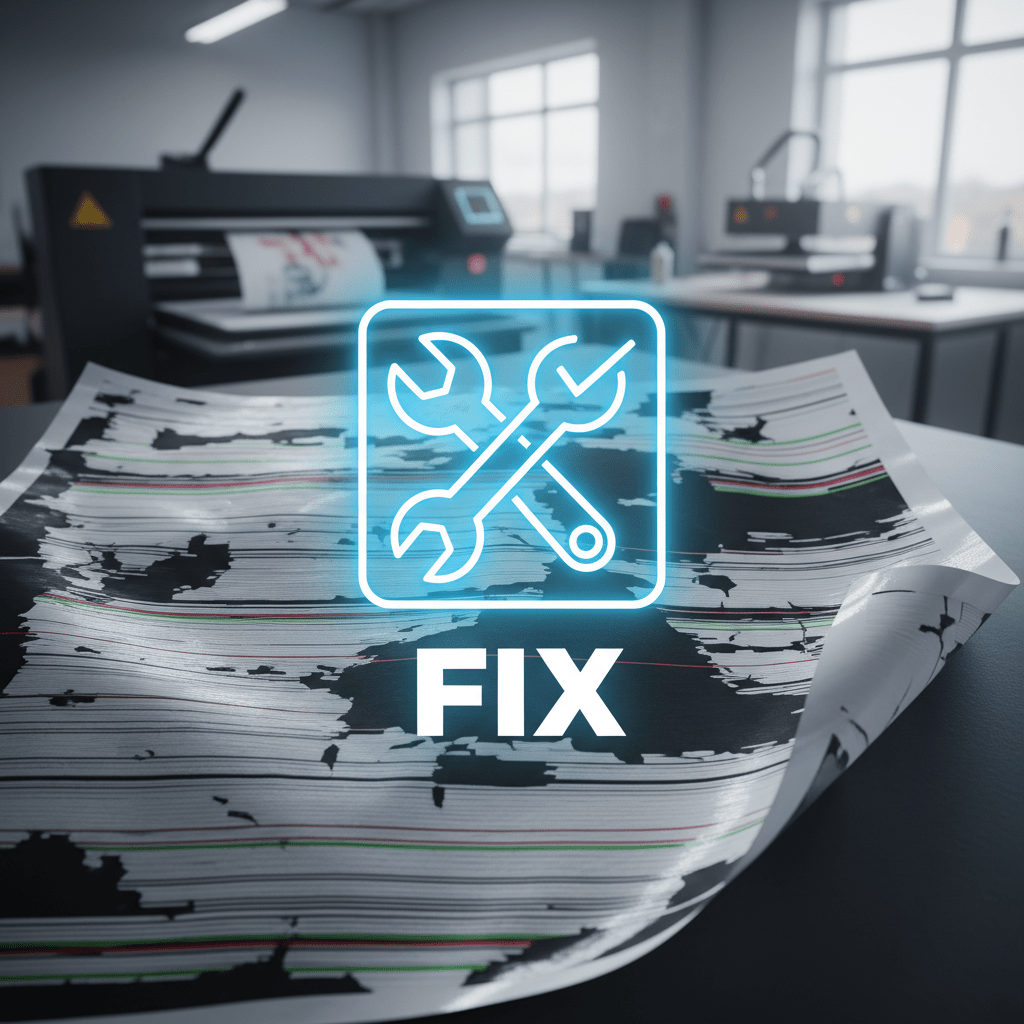
This practical DTF troubleshooting guide walks operators through how to recognise common DTF print defects – from banding and adhesion failures to ghosting and white underbase problems – and shows proven methods to quickly fix DTF prints on-press and throughout your workflow. Check out 12 common DTF printing problems & how you can solve them.
Inside you’ll find targeted solutions for:
- “Banding and streaking” across prints
- “Adhesion failures” that cause peeling or cracking
- “Ghosting and image shift” issues
- “White underbase coverage” problems
- “Workflow optimisations” to prevent defects before they start (essential accessories checklist)
Let’s dive into the most frequent DTF print defects and the systematic steps to fix them fast.
Quick Reference: DTF Print Defects Chart
| Symptom | Likely Cause & Fast Fix |
|---|---|
| Horizontal lines or banding | Clogged nozzles, poor head alignment, dirty encoder strip → Run nozzle check, clean heads, align, clean encoder |
| Peeling or cracking after wash | Incorrect curing temp/pressure/time, substrate mismatch → Verify press settings with thermometer, test different powder/film choose the right heat press machine for reliable transfers |
| Ghosting or double image | Film or garment movement, static → Secure film/garment properly, use anti-static tools, check RIP alignment |
| Dull or washed-out colours | Weak white underbase, wrong ICC profile, low ink limits → Calibrate white density in RIP, verify colour profile, check nozzles |
| Patchy or uneven white | White ink clogs, incorrect density setting → Daily white agitation, nozzle checks, adjust white layer in RIP |
| Blurred edges or bleeding | Excess ink, wrong media settings, film wrinkling → Reduce ink limits, confirm media profile, flatten film path |
Why DTF Print Defects Happen
Understanding the root causes behind DTF print defects makes troubleshooting faster and more effective. Most issues fall into four main buckets.
1. Printer Settings
Incorrect settings in your RIP software or printer firmware are common culprits:
- Wrong ICC profiles that don’t match your film and ink set can cause colour shifts and poor coverage
- Excessive or insufficient ink limits lead to bleeding, dull colours, or patchy prints
- Incorrect resolution or print mode settings affect sharpness and coverage
- Missing or outdated firmware can trigger communication errors and unexpected printer behaviour
More details at troubleshooting common issues during DTF transfer.
2. Ink Delivery & Hardware
Physical problems with the printer itself create visible defects:
- Clogged nozzles block ink flow, causing missing lines, banding, or weak coverage
- Air bubbles in ink lines disrupt consistent droplet formation
- Dirty encoder strips confuse carriage position, leading to misalignment
- Poor head alignment causes overlapping passes that show as visible lines
- Failing dampers or pumps reduce ink pressure and coverage quality
3. Materials
Incompatible or low-quality consumables cause adhesion and quality problems:
- Mismatched film, ink, and powder systems reduce adhesion and colour vibrancy
how to choose, use, and store it properly - Low-grade adhesive powder can fail under wash tests or cause patchy bonding
4. Transfer Process & Curing
Even with the right materials and printer setup, poor transfer technique can introduce defects:
- Insufficient or uneven heat press pressure leads to weak bonding
- Incorrect time or temperature causes incomplete curing
- Sudden garment or film movement can result in ghosting or shifts
Following the correct press parameters and fully curing the adhesive powder are essential for durable, defect-free transfers.
FAQ
Q: How often should I clean my DTF printer heads?
A: It’s recommended to perform a quick nozzle check daily and a thorough head cleaning at least once a week, depending on your print volume.
Q: Why are my prints peeling after just one wash?
A: Peeling often indicates incorrect curing or low-quality adhesive powder. Double-check your heat press temperature with a thermometer for accuracy and ensure you’re using reliable powder.
Q: Can I use the same ICC profile for all my DTF media?
A: Not necessarily. Each combination of film, ink, and powder can behave differently, so always use or create profiles tailored to your specific consumables.
Q: What’s the best way to avoid ghosting?
A: Keep the film and garment stable during heat pressing, use anti-static sprays or humidifiers in dry environments, and confirm proper alignment in your RIP software.